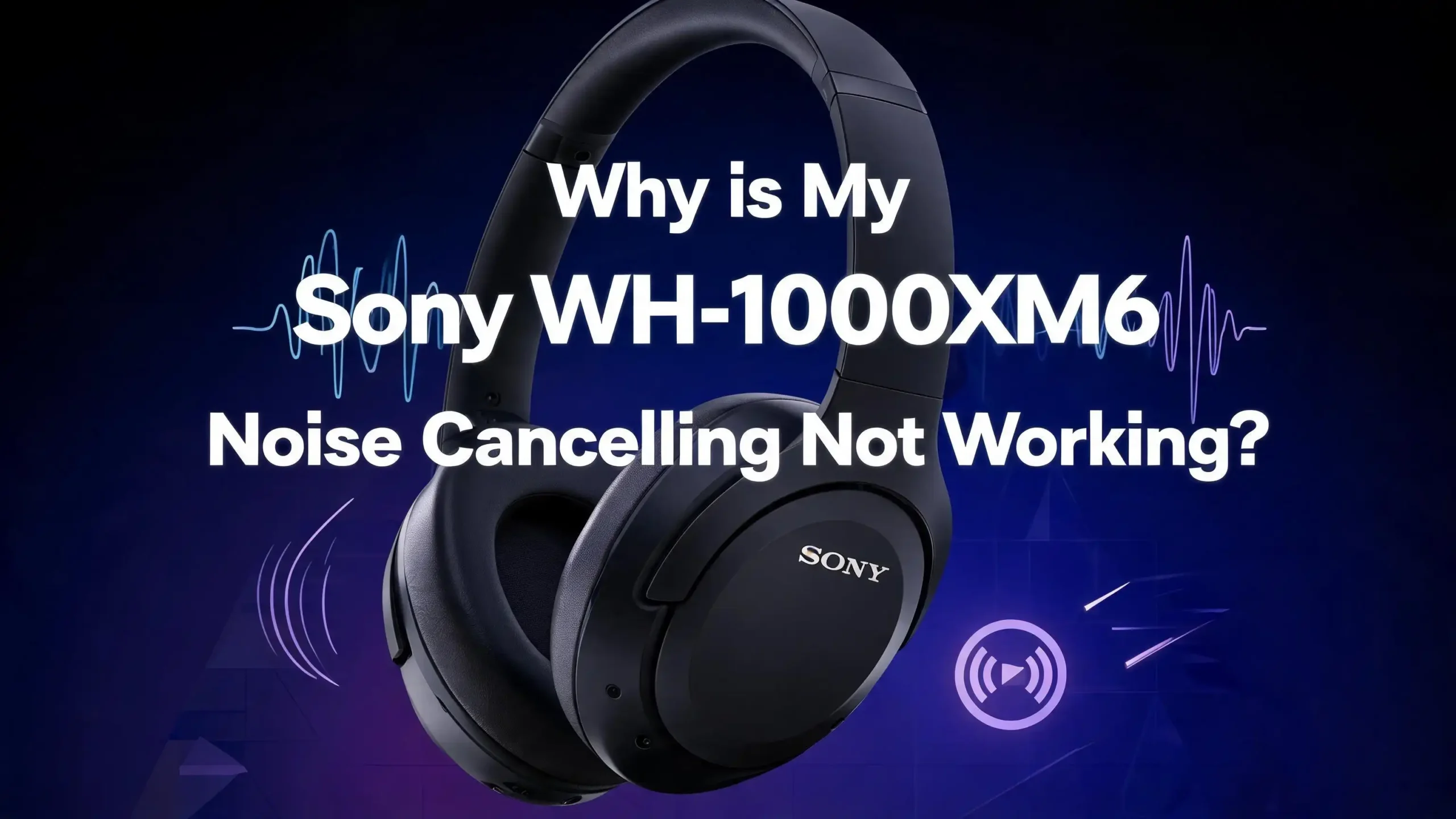
Why Is My Sony WH-1000XM6 Noise Cancelling Not Working?
You just put on your Sony WH-1000XM6 headphones, toggled noise cancelling on, and… nothing happened. The outside world is still bleeding through. This is frustrating, especially when you paid a premium for one of the best noise cancelling headphones on the market.
You are not alone. Thousands of Sony WH-1000XM6 owners have reported issues with their active noise cancelling (ANC) feature at some point. The good news is that most of these problems have straightforward fixes.
We researched common complaints, dug through Sony support forums, and tested proven fixes to give you a complete troubleshooting resource. By the time you finish reading this post, you will know exactly what is causing your issue and how to solve it.
In a Nutshell
- Check the basics first. Make sure noise cancelling is actually turned on through the Sony Headphones Connect app or the NC/Ambient button on the headphones. A simple toggle or accidental setting change can disable ANC without you realizing it.
- Firmware and app updates matter. Sony regularly releases firmware updates that fix ANC bugs and improve performance. Running outdated firmware is one of the most common reasons noise cancelling underperforms or stops working entirely.
- Ear tip and cushion fit is critical. Active noise cancelling depends on a proper seal around your ears. Worn out ear pads, improper fit, or debris blocking the microphones can dramatically reduce ANC effectiveness.
- Adaptive Sound Control can override your settings. The Sony Headphones Connect app includes features like Adaptive Sound Control and Speak-to-Chat that automatically adjust or disable noise cancelling based on your environment or voice activity.
- A factory reset often solves stubborn issues. If software glitches are causing ANC problems, resetting the headphones to factory defaults clears corrupted settings and restores normal function.
- Hardware damage requires professional repair. If none of the software fixes work, the ANC microphones or internal components may be physically damaged. Sony warranty or authorized repair centers can diagnose and fix hardware faults.
Understanding How Sony WH-1000XM6 Noise Cancelling Works
Before you start troubleshooting, it helps to understand how active noise cancelling actually functions on the Sony WH-1000XM6. These headphones use a combination of external and internal microphones to detect ambient sound. The onboard processor then generates an opposite sound wave that cancels out the noise before it reaches your ears.
The WH-1000XM6 features Sony’s latest integrated processor, which analyzes environmental sound hundreds of times per second. This is what allows the headphones to adapt to different noise environments in real time. The system relies on multiple microphones placed on the outside of each ear cup.
If any of these microphones get blocked, damaged, or miscalibrated, the ANC performance will drop noticeably. The same applies if the software that controls the processor encounters a bug or conflict. Both hardware and software need to work in harmony for noise cancelling to perform at its best.
The seal around your ears also plays a huge role. ANC works best when passive isolation (the physical seal of the ear cushions) blocks higher frequencies, while the electronic system handles lower frequencies like engine rumble and HVAC hum. A broken seal undermines the entire system.
Check If Noise Cancelling Is Actually Turned On
This sounds obvious, but it is the most common reason ANC appears broken. The Sony WH-1000XM6 lets you cycle through multiple sound modes using the NC/Ambient button on the left ear cup. These modes include Noise Cancelling, Ambient Sound, and Off.
It is easy to accidentally press that button and switch out of noise cancelling mode without noticing. Pick up your headphones and press the NC/Ambient button. You should hear a voice prompt that says “Noise Cancelling” when ANC is active.
You can also check and control this through the Sony Headphones Connect app on your phone. Open the app, connect your headphones, and look at the main dashboard. The current sound mode will be displayed clearly. Tap on Noise Cancelling if it is not already selected.
Some users also report that their ANC mode resets after a restart or after disconnecting from Bluetooth. If this keeps happening, it may point to a firmware issue, which we cover later in this guide.
Update the Firmware on Your Headphones
Sony pushes firmware updates regularly for the WH-1000XM6. These updates often include bug fixes specifically related to noise cancelling performance. Running outdated firmware is one of the top reasons ANC can behave unpredictably.
To check for updates, open the Sony Headphones Connect app on your smartphone. Make sure your headphones are connected via Bluetooth. Go to the settings section and look for a firmware update notification. If an update is available, follow the on-screen instructions to install it.
Do not turn off your headphones or close the app during the update. Interrupting a firmware update can cause additional problems. Make sure your headphones have at least 50% battery before starting the process. The update may take several minutes to complete.
After the update finishes, your headphones will restart automatically. Test the noise cancelling again in a noisy environment. Many users report that a single firmware update completely resolved their ANC issues. If you have been putting off updates, this step alone might fix everything.
Update the Sony Headphones Connect App
The headphones and the app work together as a system. An outdated app can send incorrect settings to your headphones, which can affect noise cancelling behavior. This is especially true if you recently updated your phone’s operating system.
Go to the Google Play Store or Apple App Store and check if a newer version of the Sony Headphones Connect app is available. Download and install any pending updates. After updating, open the app and reconnect your headphones.
Sometimes a fresh app installation works better than an update. If you suspect the app is glitchy, uninstall it completely, restart your phone, and then reinstall it from the store. You will need to pair your headphones again, but this gives you a clean slate.
After reinstalling, go through the noise cancelling settings in the app and make sure everything is configured the way you want. Check that Adaptive Sound Control and other automatic features are set to your preferences. A clean app install has fixed ANC issues for many users on both Android and iOS.
Disable Adaptive Sound Control
The Sony Headphones Connect app includes a feature called Adaptive Sound Control. This feature uses your phone’s sensors to detect whether you are sitting, walking, running, or riding in a vehicle. It then automatically adjusts the noise cancelling level based on your activity.
While this sounds helpful, it can actually reduce or turn off ANC when you do not want it to. For example, if the app thinks you are walking, it might lower noise cancelling and let ambient sound through for safety reasons. This can make it feel like your ANC is broken.
To disable this feature, open the Sony Headphones Connect app. Find the Adaptive Sound Control toggle and turn it off. Once disabled, your headphones will stay in whatever sound mode you manually select. This gives you full control over when noise cancelling is active.
Test your ANC after disabling Adaptive Sound Control. If the noise cancelling immediately feels stronger and more consistent, you have found your culprit. You can always re-enable this feature later if you prefer automatic adjustments.
Turn Off Speak to Chat
Speak-to-Chat is another feature that can interfere with noise cancelling. This function detects when you start speaking and automatically pauses your music while letting ambient sound in. It is designed to make conversations easier without removing your headphones.
The problem is that Speak-to-Chat can trigger accidentally. Coughing, humming, singing along to music, or even certain loud breathing patterns can activate it. When it activates, your noise cancelling drops out completely until the feature resets.
To turn it off, open the Sony Headphones Connect app and find the Speak-to-Chat setting. Toggle it off. You can also adjust its sensitivity if you prefer to keep it active but want fewer false triggers.
Many users who complained about “intermittent ANC failure” discovered that Speak-to-Chat was the root cause. If your noise cancelling seems to cut out randomly for a few seconds at a time, this feature is very likely the reason. Disabling it should make your ANC experience consistent again.
Check the Ear Cushion Seal
Active noise cancelling cannot work properly without a good physical seal around your ears. The WH-1000XM6 uses plush ear cushions designed to create a tight, comfortable fit. Over time, these cushions can compress, wear out, or lose their shape.
If your ear cushions are flattened or damaged, outside noise leaks in through the gaps. This forces the ANC system to work harder and reduces its overall effectiveness. You might notice that ANC still works but feels much weaker than it used to.
Check your ear cushions for visible wear. Press them gently to see if they spring back to their original shape. If they stay compressed, it is time to replace them. Sony sells official replacement ear pads for the WH-1000XM6, and installing them is straightforward.
Also, consider how you wear the headphones. Hair, earrings, eyeglass temples, and even thick hoodie hoods can break the seal. Try adjusting the headband and ear cup angle to get the tightest seal possible. A small improvement in fit can make a big difference in ANC performance.
Clean the ANC Microphones
The external microphones on the WH-1000XM6 are small openings on the outside of each ear cup. If dust, lint, dirt, or moisture covers these microphones, they cannot pick up ambient sound accurately. This directly reduces noise cancelling quality.
Inspect the outer surface of both ear cups carefully. Look for any debris near the microphone ports. Use a soft, dry brush or a gentle blast of compressed air to clean them. Do not use water, alcohol, or any liquid cleaners directly on the microphone openings.
If you use your headphones during workouts or in humid conditions, moisture buildup can be a recurring issue. Wipe down the headphones with a dry microfiber cloth after each use. Store them in their carrying case to prevent dust accumulation.
Regular cleaning is a simple habit that protects your ANC performance over time. Many owners overlook this step and blame software for a problem that is purely physical. A quick cleaning session takes less than a minute and can restore full ANC function.
Reset the Headphones
If software fixes and cleaning have not solved the problem, a reset can clear out glitches that may be affecting noise cancelling. The Sony WH-1000XM6 offers two types of resets.
The first option is a simple restart. Turn off the headphones completely, wait about 30 seconds, and turn them back on. This clears temporary memory and can resolve minor bugs. Test the ANC after restarting.
The second option is a factory reset, which erases all custom settings and paired device information. To perform a factory reset, press and hold the power button and the NC/Ambient button simultaneously for about seven seconds. The headphones will reset to their original factory state.
After a factory reset, you will need to pair your headphones with your devices again. Open the Sony Headphones Connect app and go through the initial setup. Configure your noise cancelling preferences from scratch. This process gives you a completely fresh start and resolves most software-related ANC problems.
Check for Bluetooth Interference
Bluetooth connection quality can affect ANC behavior on the WH-1000XM6. If your headphones struggle to maintain a stable Bluetooth connection, the processor may prioritize connection stability over noise cancelling performance.
Common sources of Bluetooth interference include Wi-Fi routers, microwave ovens, other Bluetooth devices, and USB 3.0 hubs. If you are in an environment crowded with wireless signals, try moving to a less congested area and test your ANC again.
You can also try forgetting the headphones from your phone’s Bluetooth settings and pairing them again. This refreshes the connection profile and can eliminate pairing issues. Make sure no other devices are connected to the headphones simultaneously if you are not using multipoint mode intentionally.
Switching the Bluetooth codec can also help. In the Sony Headphones Connect app, try changing from LDAC to AAC or SBC. While LDAC offers better audio quality, it requires more bandwidth and can sometimes conflict with ANC processing on certain phones.
Test with a Different Device
Sometimes the issue is not with the headphones at all. Your phone or computer might be sending audio settings that interfere with ANC. Some Android skins and iOS versions handle Bluetooth audio profiles differently, which can affect how the headphones behave.
Pair your WH-1000XM6 with a different phone, tablet, or computer. Turn on noise cancelling and listen in a noisy environment. If ANC works perfectly on the second device, the problem lies with your primary device’s settings or software.
On your primary device, check for system-level audio enhancements or equalizer settings that might conflict with the headphones. Disable any third-party audio apps that modify sound output. Some Android phones have built-in sound enhancement features like Dolby Atmos that can interfere with headphone-level processing.
If the issue persists across multiple devices, then the problem is confirmed to be within the headphones themselves. This helps you narrow down whether you need a software fix or a hardware repair.
Optimize Noise Cancelling Settings in the App
The Sony Headphones Connect app lets you fine-tune your noise cancelling experience beyond just turning it on or off. Many users leave the default settings without realizing they can improve ANC performance significantly.
Open the app and look for the noise cancelling optimization or ANC level adjustment feature. The WH-1000XM6 allows you to adjust ANC intensity on a sliding scale. Make sure the slider is set to maximum if you want the strongest noise cancelling.
There is also an atmospheric pressure optimization feature. This is especially useful during flights. Changes in air pressure can reduce ANC effectiveness, and this setting compensates for that. Enable it if you frequently use your headphones on airplanes.
The app may also offer a personal noise cancelling optimization scan. This feature analyzes the shape of your head and ears to calibrate ANC for your specific fit. Run this scan if you have never done it or if you recently replaced your ear cushions. It takes just a few seconds and can noticeably improve performance.
When to Contact Sony Support
If you have tried every fix in this guide and your noise cancelling still does not work, the problem is likely hardware-related. The ANC microphones, internal processor, or wiring inside the ear cups may be damaged.
Physical damage can result from drops, water exposure, or excessive pressure on the ear cups. Even small impacts can dislodge or crack the tiny microphones that the ANC system depends on. If your headphones have visible damage or you recall a specific incident, hardware failure is the most probable cause.
Contact Sony customer support through their official website or by calling their support line. If your WH-1000XM6 is still under warranty, Sony will repair or replace the headphones at no charge. Keep your proof of purchase handy.
You can also visit an authorized Sony service center for an in-person diagnosis. Explain the troubleshooting steps you already tried. This information helps the technician identify the issue faster and confirms that the problem is not user error.
Frequently Asked Questions
Why does my Sony WH-1000XM6 noise cancelling sound weak?
Weak ANC is usually caused by a poor ear cushion seal, dirty microphones, or suboptimal settings in the Sony Headphones Connect app. Start by checking the fit of the headphones on your head. Make sure the ear cushions create a tight seal with no gaps. Clean the external microphones and run the noise cancelling optimization feature in the app. Also, confirm that the ANC level is set to maximum. If the cushions are worn, replace them with official Sony replacements.
Can a firmware update fix noise cancelling problems?
Yes. Firmware updates are one of the most effective fixes for ANC issues. Sony frequently releases updates that address bugs in the noise cancelling algorithm. Open the Sony Headphones Connect app, check for available updates, and install them. Many users have reported that a single firmware update restored their ANC to full performance after weeks of problems.
Does Adaptive Sound Control affect noise cancelling?
Absolutely. Adaptive Sound Control automatically adjusts or reduces noise cancelling based on your detected activity. If the app thinks you are walking or in transit, it may lower ANC and increase ambient sound. Disable this feature in the Sony Headphones Connect app if you want full manual control over your noise cancelling at all times.
How do I factory reset my Sony WH-1000XM6?
Press and hold the power button and the NC/Ambient button at the same time for about seven seconds. The headphones will turn off and reset to factory default settings. You will lose all paired devices and custom settings, so you will need to set everything up again through the Sony Headphones Connect app.
Should I use LDAC or AAC codec with noise cancelling?
AAC or SBC codecs tend to be more stable and less demanding on the Bluetooth connection. LDAC provides higher audio quality but uses more bandwidth, which can occasionally cause conflicts with ANC processing. If you experience ANC issues, try switching to AAC in the app and see if stability improves. You can always switch back to LDAC once the ANC problem is resolved.
How long do Sony WH-1000XM6 ear cushions last?
With regular daily use, ear cushions typically last between one and two years before they start losing their shape and density. If your noise cancelling has gradually weakened over several months, worn cushions are a strong suspect. Replacing them is affordable and restores both comfort and ANC seal quality.

Hi, I’m Suzy — the voice behind RapidGenLab. I’m a tech enthusiast who loves breaking down complex products into simple, honest reviews and comparisons. Got a question? Feel free to reach out!